

This page will be updated often according to your feedbacks. The bigger issue with our website so far has been how to use the password. Please keep in mind that NO LOGIN IS REQUIRED, therefore you don’t need an username. The website just has some private pages that can be accessed by using a password. Below there is a graphical example but first a short summary of the different sections of the website:
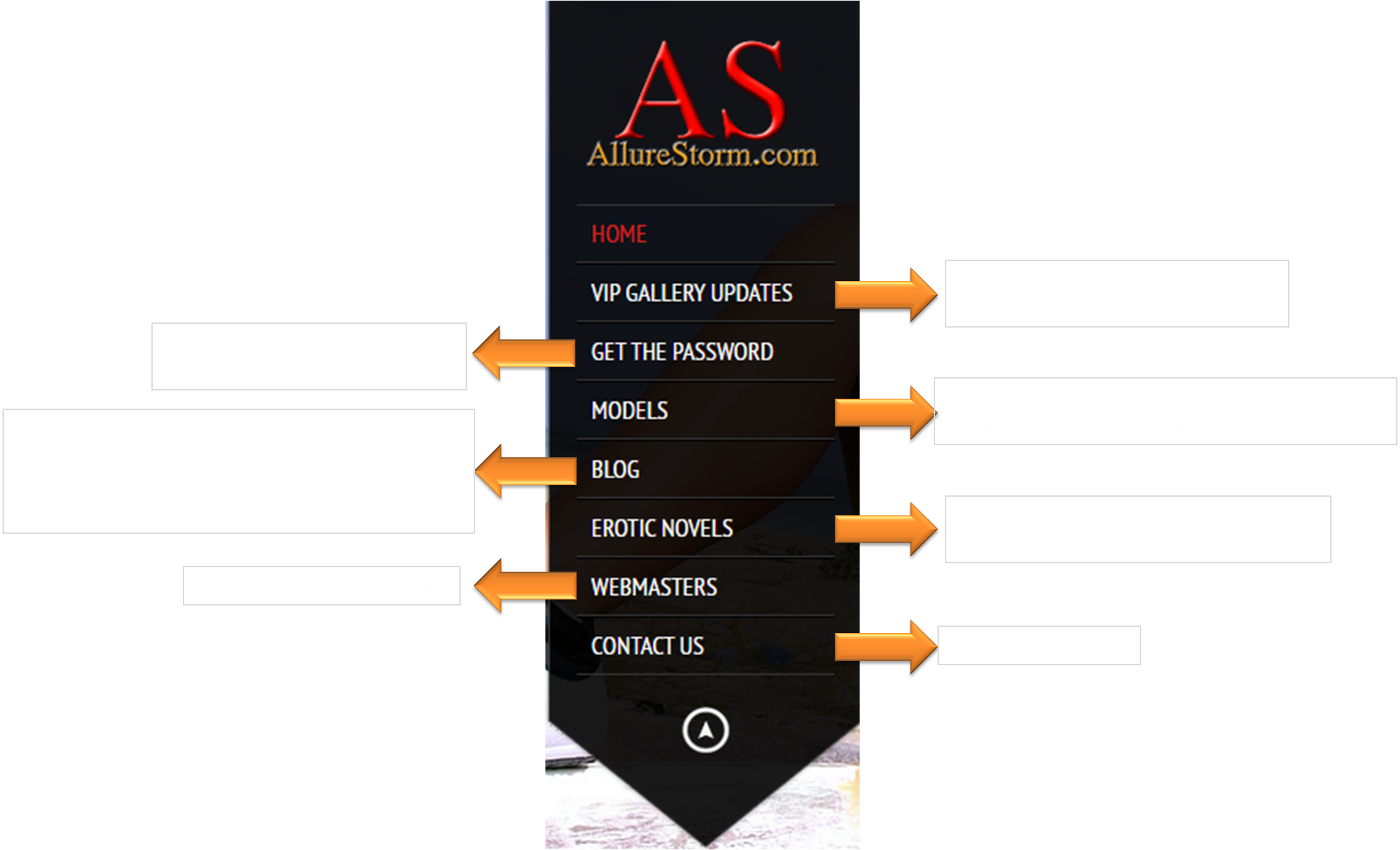
You can try your password on this link here or follow the screenshots below for a better example on how to use it
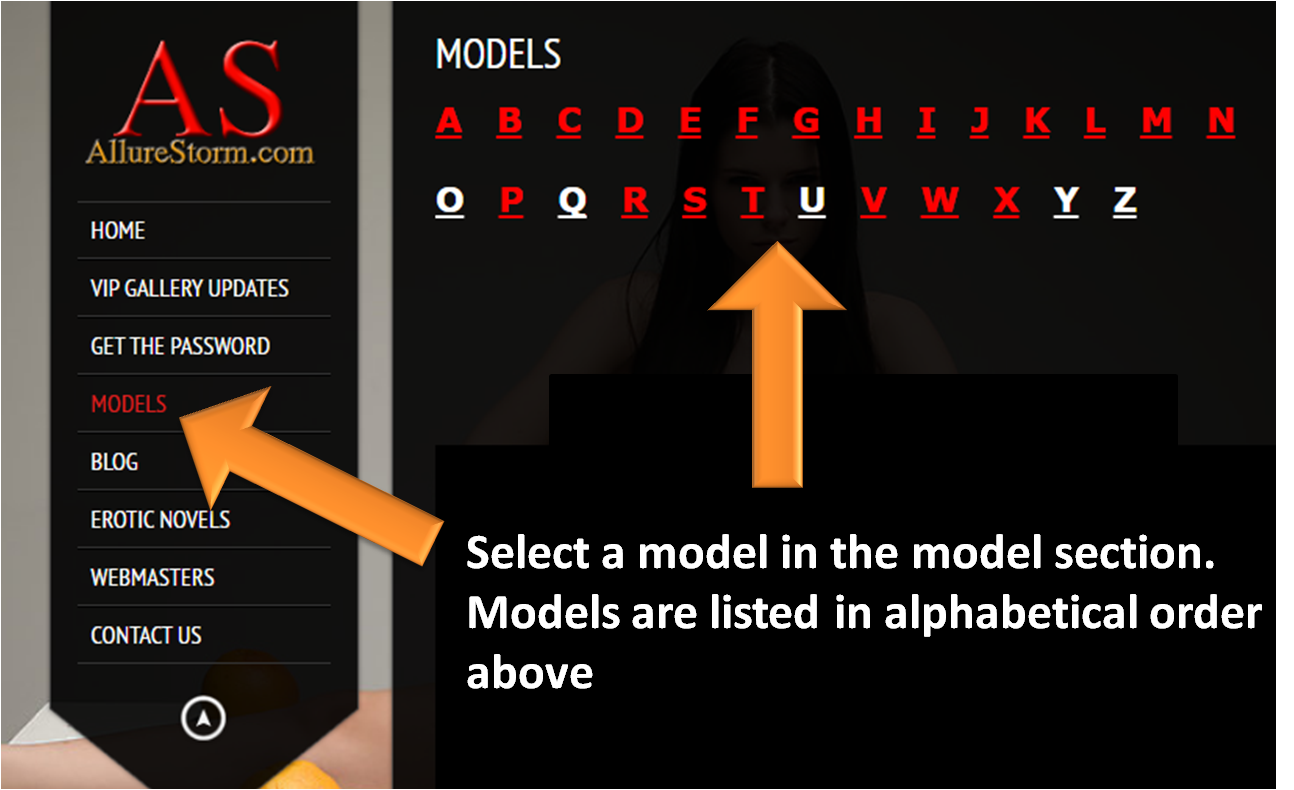
As you will find often in other websites we also have a list of models that you will find in our galleries. This step is quite intuitive, click on “models” on the menu and then select a letter
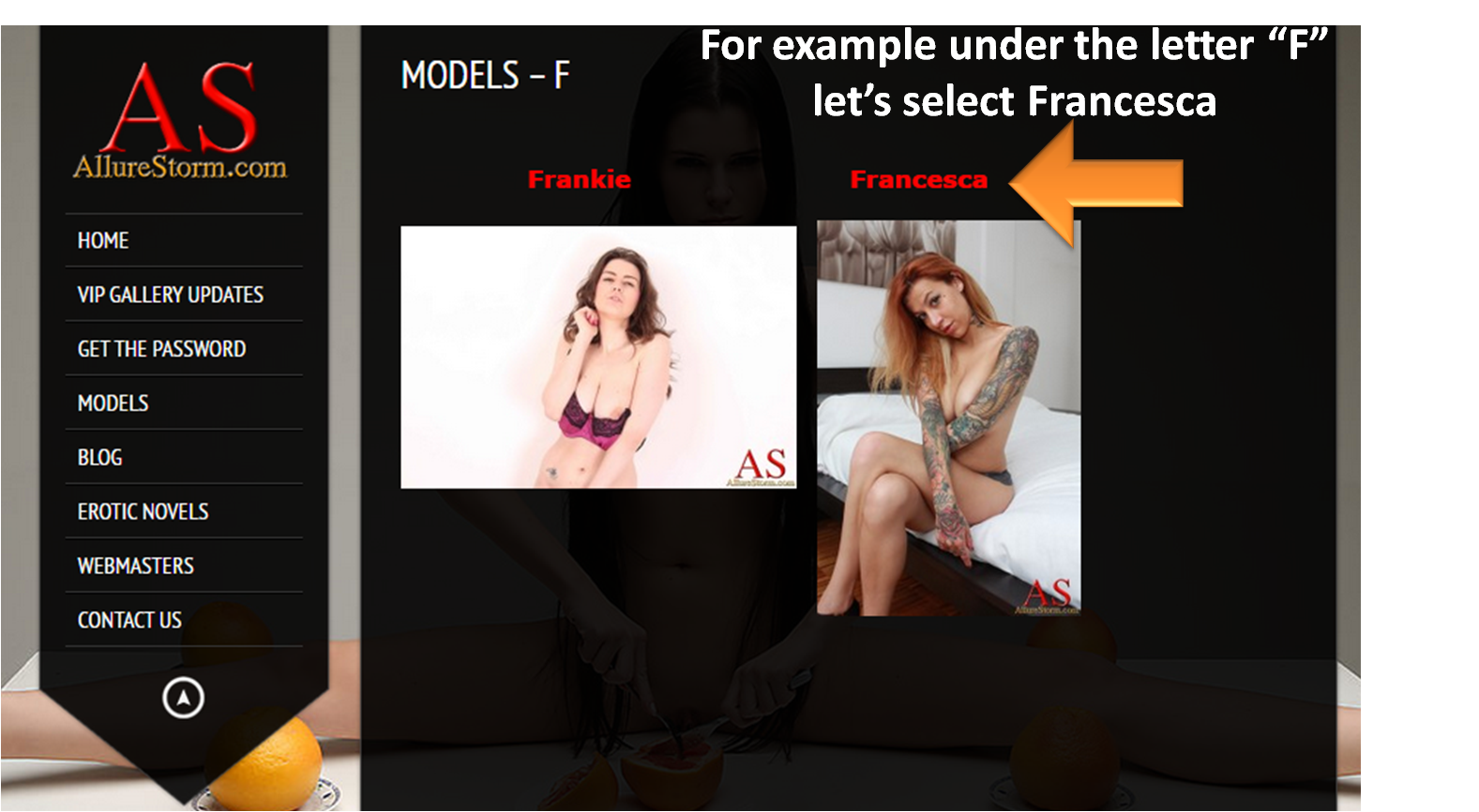
Each model has a dedicated page, for example in Francesca’s page we can see that at the moment she has 2 galleries, let’s select one
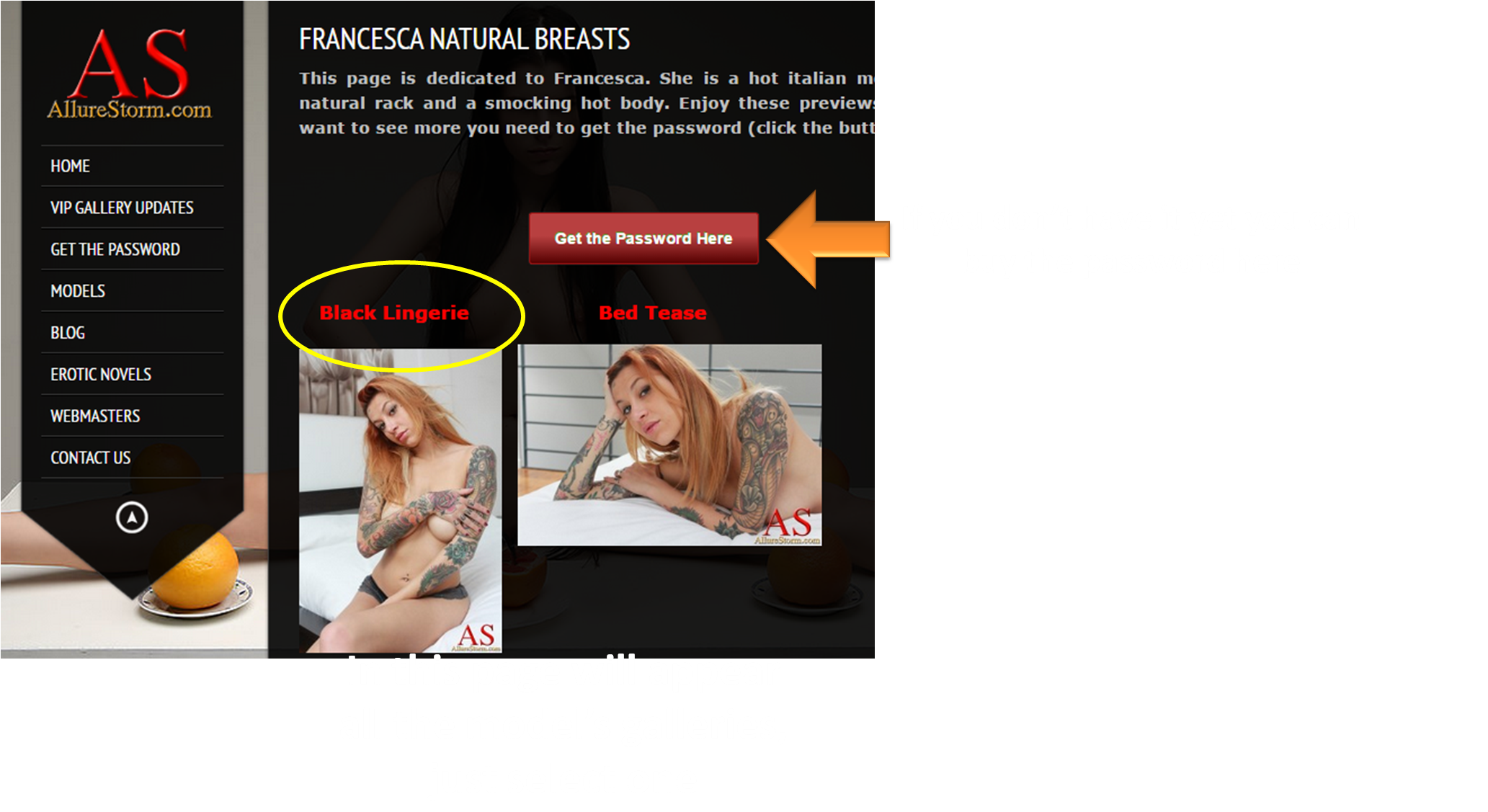
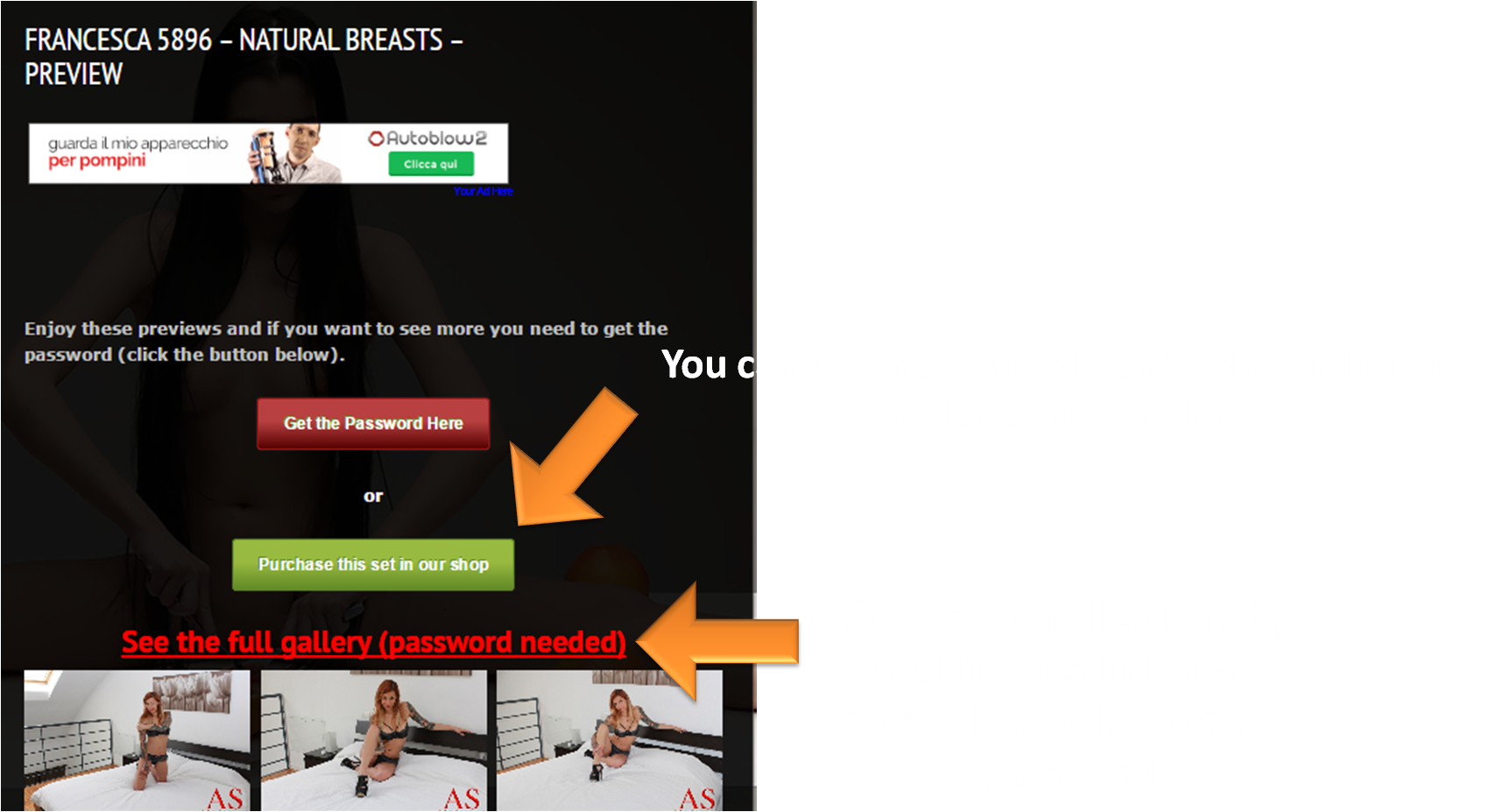
Each gallery has a free preview (a generous preview with several photos). However, photos that involve nudity can be found only in the full gallery in the private section. To access you need to insert the password that will be asked only once (unless you delete the cookies of your browser). In alternative you can also purchase the download of a single photoset, by clicking the green button you will redirected to our shop (it’s a different website).
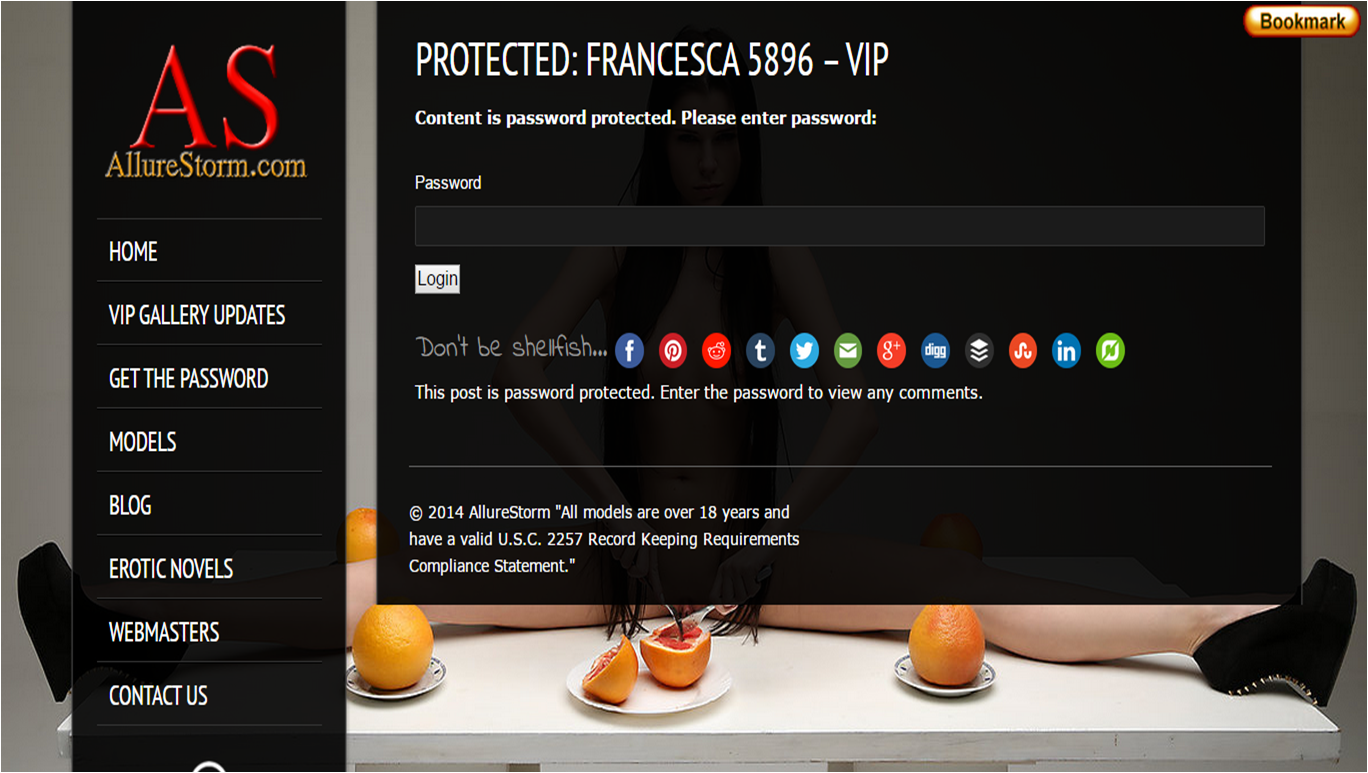
And here it’s how it looks when you try to access the full gallery, only by adding the password you can view the content of the page

Leave a Reply